Top Scheduling Software for Cleaning Business in 2025
Running a successful cleaning business hinges on efficient operations, and at the core of that efficiency is your scheduling process. Juggling client appointments, staff availability, and last-minute changes with spreadsheets or a paper calendar quickly becomes chaotic. This approach leads to double bookings, missed cleanings, and frustrated staff, ultimately hindering your ability to scale. The right scheduling software for your cleaning business automates these tedious tasks, transforming disorganization into a streamlined, professional operation.
This resource provides an in-depth analysis of the top 12 scheduling platforms available today. We move beyond generic feature lists to give you a clear, practical understanding of how each tool functions in a real-world cleaning service environment. You will find a detailed breakdown of each option, covering critical aspects like:
Key Features: Specific tools tailored for job management, dispatching, and client communication.
Pricing Tiers: A clear look at costs to find a plan that fits your budget.
Pros and Cons: An honest assessment of each platform’s strengths and limitations.
Best For: Identifying the ideal user, whether you're a solo cleaner or managing multiple crews.
Our goal is to help you confidently select the best scheduling software for your cleaning business. Each review includes screenshots to give you a feel for the user interface and direct links to explore the platforms further. We have done the comprehensive research so you can make a quick, informed decision and get back to growing your company. Let's find the perfect tool to organize your operations.
1. When I Work
When I Work stands out as a powerful yet affordable scheduling software for cleaning businesses, particularly those managing teams across multiple client sites. Its core strength lies in its intuitive, mobile-first design, making it incredibly easy for both managers and cleaning staff to view schedules, request time off, and swap shifts directly from their smartphones. This accessibility is a game-changer for a mobile workforce.
The platform streamlines daily operations with a customizable dashboard that immediately highlights open shifts, ensuring no client appointment is missed. For business owners concerned with accuracy, the photo clock-in feature adds a layer of accountability, requiring employees to take a selfie to verify their identity and location upon clocking in. This simple tool effectively prevents buddy punching and ensures accurate payroll.
Key Features & Considerations
While When I Work excels at scheduling and time tracking, its integration capabilities are more limited compared to some all-in-one field service platforms. However, its focused approach makes it highly effective at what it does best.
Pricing: Begins with a Standard plan at $2.50 per user per month for scheduling and messaging. The Advanced plan, at $6.00 per user per month, adds time and attendance features. A 14-day free trial is available.
Pros: The user-friendly interface significantly reduces the learning curve. Its affordability makes it accessible for startups and small to medium-sized cleaning companies. Integrated team messaging keeps everyone connected without needing a separate app.
Cons: The primary drawback is its limited native integrations with other business software, such as accounting or CRM systems. This may require some manual data transfer, but leveraging workflow tools can bridge this gap. If you're looking to connect various apps, you can learn more about how to automate business processes for maximum efficiency.
Best for: Cleaning businesses that prioritize ease of use, mobile access, and affordable, robust employee scheduling over complex, all-in-one system integrations.
2. Jobber
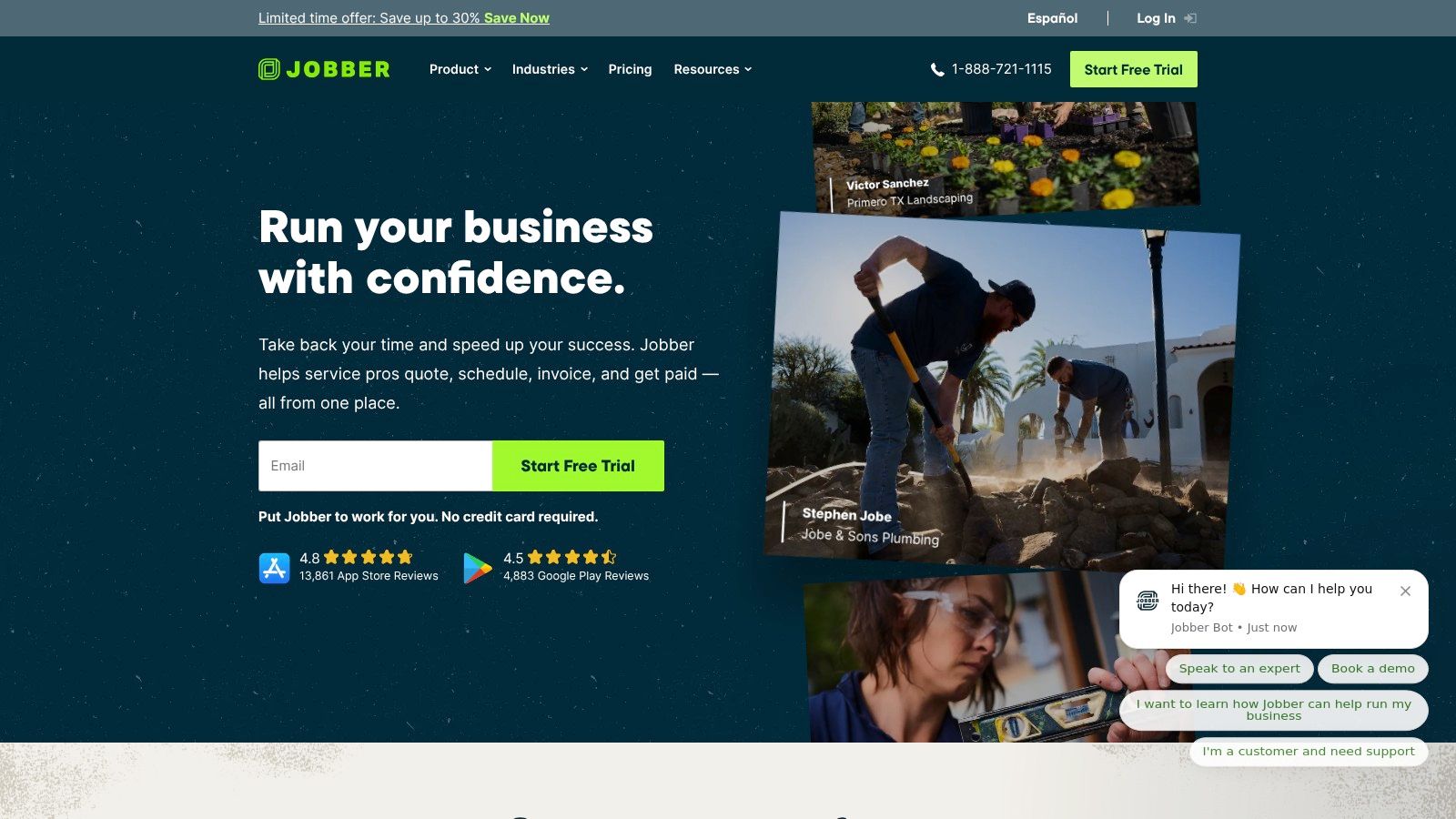
Jobber is a comprehensive, all-in-one management platform designed to streamline operations for home service businesses, making it an excellent scheduling software for cleaning business owners. It excels by integrating scheduling, quoting, invoicing, and client management into a single, cohesive system. This holistic approach helps cleaning companies manage the entire customer lifecycle, from the initial quote to the final payment, reducing administrative overhead and eliminating the need for multiple disparate tools.
The platform's drag-and-drop calendar is a standout feature, offering multiple views (map, list, and calendar) that make optimizing routes and assigning jobs incredibly efficient. Managers can quickly see where their teams are and dispatch the nearest cleaner to a new job, saving time and fuel. The self-service Client Hub further empowers customers by allowing them to approve quotes, check appointment details, and pay invoices online, enhancing the professional image of your business.
Key Features & Considerations
Jobber’s strength lies in its ability to centralize core business functions, providing a robust solution that goes beyond simple scheduling. While powerful, its reporting features might not offer the deep customization that some larger, data-driven companies require.
Pricing: The Core plan starts at $69/month for one user. The Connect plan is $169/month for up to 5 users, and the Grow plan is $349/month for up to 15 users, adding more advanced features. A 14-day free trial is available.
Pros: The intuitive interface is easy to learn, making team onboarding smooth. Its comprehensive features, from quoting to invoicing and payment processing, create a seamless operational workflow. The mobile app is robust, offering time tracking with GPS verification for accountability.
Cons: Reporting customization options are somewhat limited, which may be a drawback for businesses that rely on highly specific analytics. It also lacks a dedicated module for detailed cleaning inspections or quality control checklists.
Best for: Small to medium-sized cleaning businesses looking for an all-in-one solution to manage scheduling, client communication, and billing in one place.
3. ZenMaid
ZenMaid carves out its niche as a scheduling software for cleaning business owners who specifically run maid services. Built from the ground up for residential cleaning, it excels at streamlining the entire client lifecycle, from initial booking to final payment and follow-up. Its drag-and-drop calendar is intuitive, allowing for quick adjustments to job schedules, while automated client reminders via SMS and email significantly reduce no-shows and last-minute cancellations.
The platform's strength lies in its focus. Features like digital checklists ensure cleaners follow the exact scope of work for each home, maintaining service quality and consistency. This tailored approach means that every tool within the software directly addresses a common pain point for maid service operators, making it a highly practical and efficient solution for this specific market segment.
Key Features & Considerations
ZenMaid is a complete operational hub for maid services, though its specialization means it may lack the broader customization found in general field service software. It's a trade-off between a perfect fit for a niche and the flexibility of a generic tool.
Pricing: ZenMaid offers a free plan for a single user. Paid plans start at $59 per month for the Core plan, which includes up to 2 team members. The Growth plan at $99 per month adds more advanced features and supports up to 10 team members. A 14-day free trial is available for paid plans.
Pros: The software is exceptionally user-friendly and tailored specifically to the needs of maid services. Its customer support is highly regarded, providing valuable assistance to users. Key features like automated reminders and digital checklists directly improve operational efficiency.
Cons: Reporting capabilities and customization options can be limited compared to larger, more complex platforms. It also offers fewer native third-party integrations, which might require workarounds for businesses that rely on a diverse software stack. To structure improvements, consider crafting your process improvement plan with this template guide.
Best for: Residential cleaning and maid service companies looking for an all-in-one, easy-to-use platform designed specifically for their industry's unique workflow and client management needs.
4. Housecall Pro
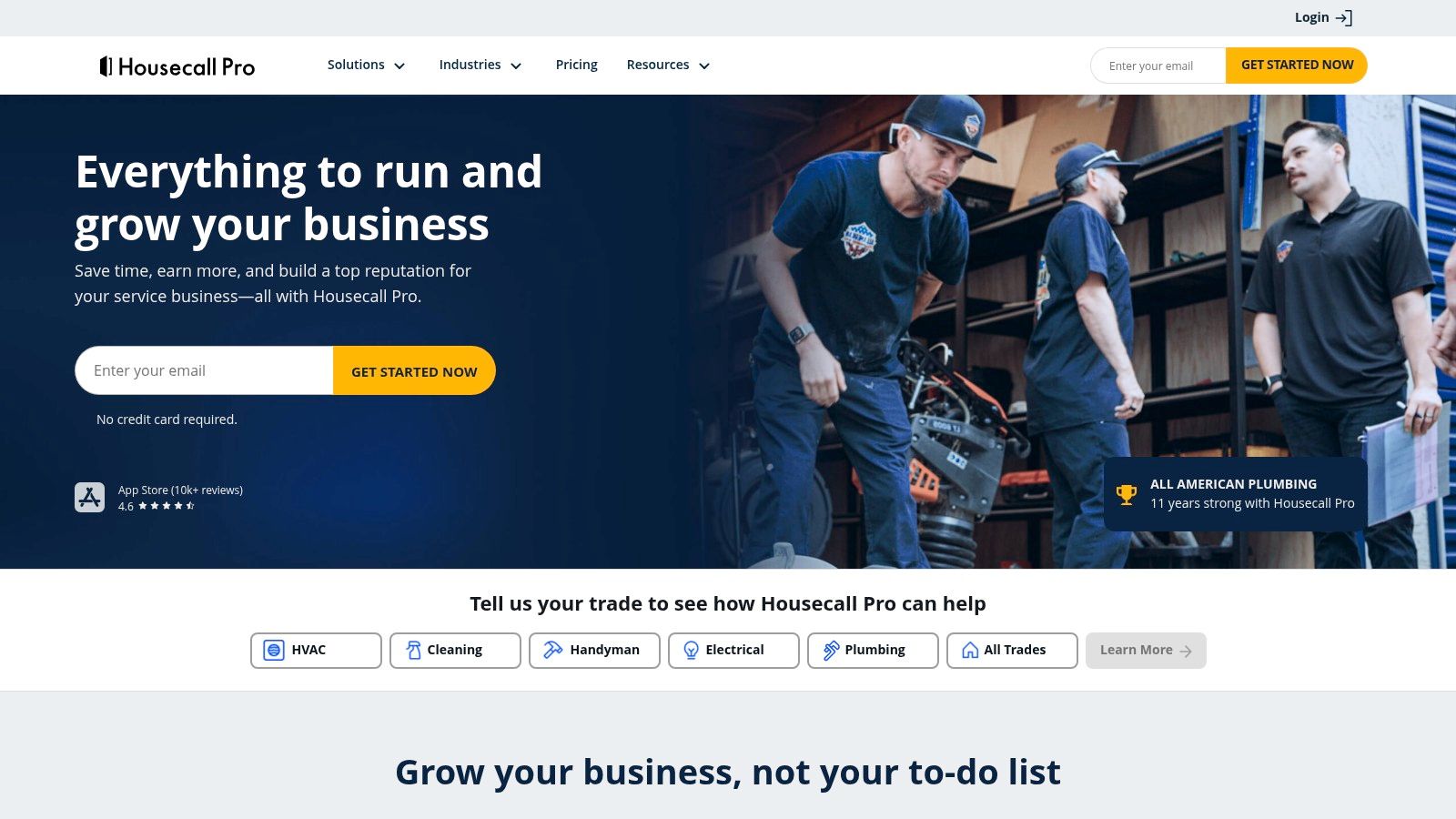
Housecall Pro goes beyond simple scheduling to offer a complete business management toolkit for service professionals, making it a powerful choice for growing cleaning businesses. It centralizes job scheduling, dispatching, invoicing, payment processing, and customer communication into a single, cohesive platform. Its strength lies in this all-in-one approach, which eliminates the need for multiple disparate software solutions to run daily operations.
The platform excels at simplifying the customer journey from start to finish. You can create custom pricing forms for instant quotes and embed an online booking widget directly on your website or social media pages. This feature allows clients to book recurring appointments easily, securing consistent revenue for your business. For managers, the drag-and-drop calendar and real-time GPS tracking provide a clear overview of where your teams are and what they are working on.
Key Features & Considerations
While Housecall Pro offers a comprehensive suite of tools, its higher price point and feature depth might be overwhelming for very small or new businesses just starting out.
Pricing: The Basic plan starts at $65 per month for one user. The Essentials plan, at $169 per month, supports up to five users and adds more robust features like advanced reporting. A 14-day free trial is available.
Pros: Its comprehensive feature set covers nearly every aspect of running a cleaning service, from booking to payment. The interface is user-friendly and the dedicated mobile app is great for technicians in the field. Online booking and automated customer reminders enhance the client experience.
Cons: The platform can be expensive, especially for solo operators or small teams. While the mobile app is functional for daily tasks, some advanced administrative features are only accessible on the desktop version, limiting on-the-go management capabilities.
Best for: Established cleaning businesses looking for an all-in-one platform to manage scheduling, invoicing, and customer relationships, and who are willing to invest in a comprehensive solution.
5. Connecteam
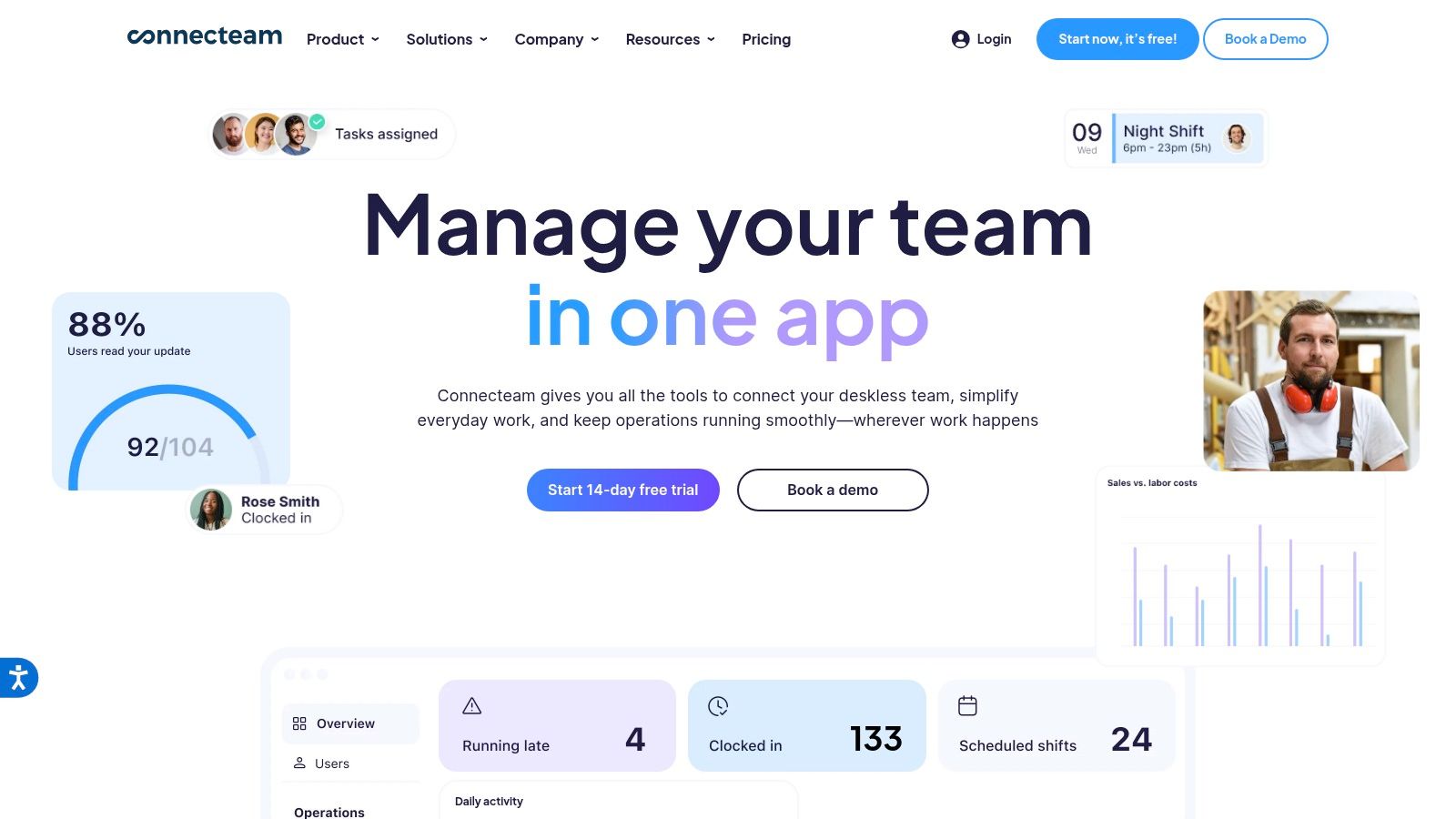
Connecteam positions itself as an all-in-one employee management app, making it an excellent choice for cleaning businesses that need more than just scheduling. It is designed from the ground up for companies with deskless workforces, offering a robust suite of tools to manage, train, and communicate with cleaning staff directly from their mobile devices. The platform excels at keeping a distributed team organized and engaged.
Its drag-and-drop scheduling interface, complete with templates for recurring jobs, simplifies the process of assigning shifts across multiple client locations. What sets Connecteam apart is its comprehensive approach to employee management, bundling scheduling with powerful communication features like a company social feed, one-on-one chat, and surveys. This makes it a strong contender if you're looking to build company culture and streamline internal operations within a single app.
Key Features & Considerations
While Connecteam is powerful for internal team management, it lacks native client-facing tools like quoting or invoicing. It is a true employee-first platform, ideal for optimizing your team's day-to-day activities and communication.
Pricing: A free-for-life plan is available for up to 10 users. Paid plans start with the Basic plan at $29 per month for the first 30 users, with more advanced features available in the Advanced ($49/month) and Expert ($99/month) tiers.
Pros: The free plan is incredibly generous and perfect for small or new cleaning businesses. Its outstanding mobile app and comprehensive communication tools help keep your team connected and informed. Advanced time tracking with GPS verification ensures accountability.
Cons: The primary limitation is the lack of built-in client management features, such as invoicing and payment processing. This makes it less of an end-to-end business solution and more of a dedicated team management tool.
Best for: Cleaning companies seeking a comprehensive employee management and scheduling software for a cleaning business, especially those prioritizing team communication, training, and operational workflows in one mobile-friendly platform.
6. Swept
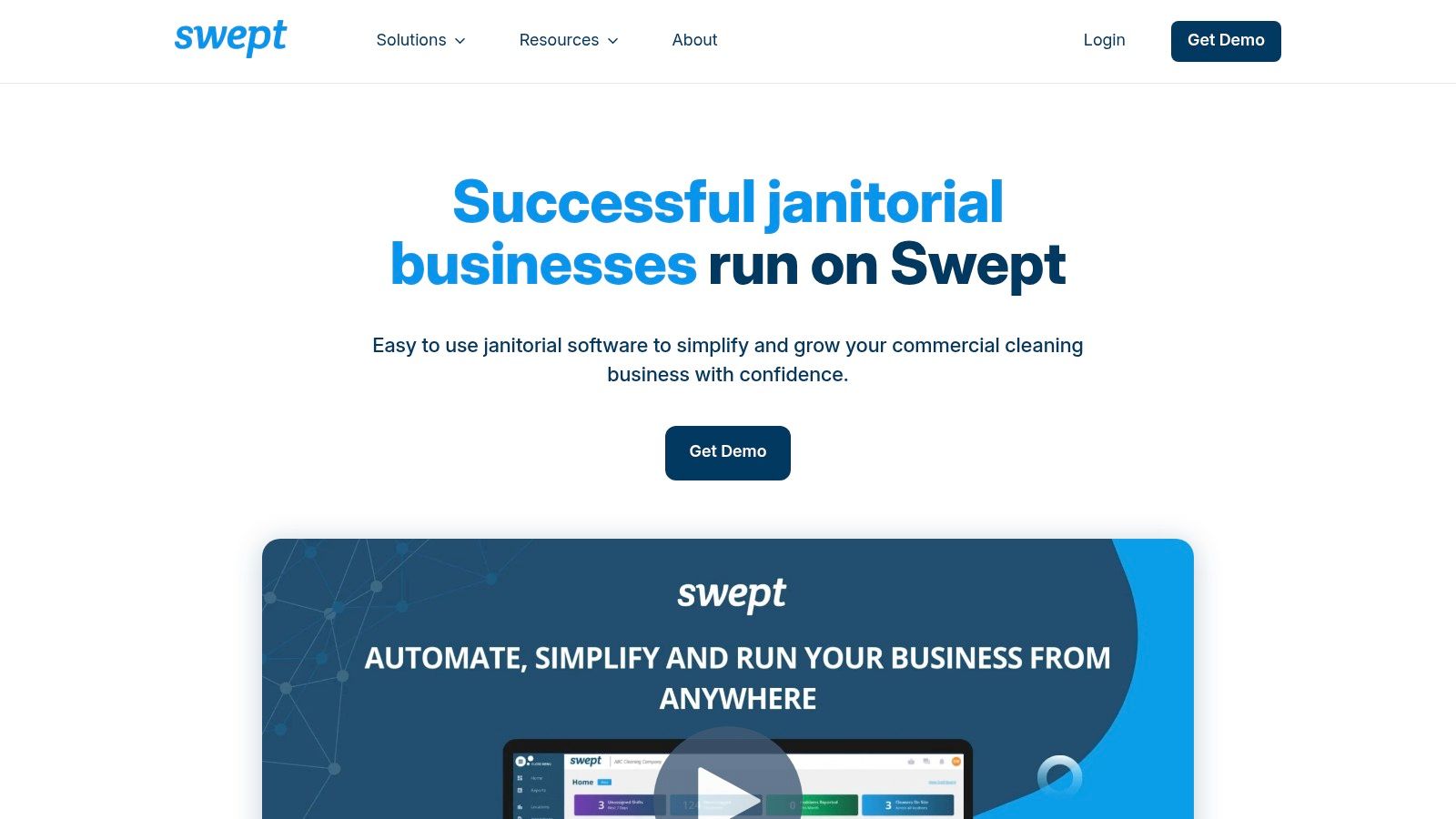
Swept carves out a unique niche in the market by positioning itself not just as scheduling software for a cleaning business, but as a comprehensive communication and operations hub. Its primary strength is fostering a direct line of communication between managers, supervisors, and frontline cleaners, which is critical for reducing employee turnover and maintaining high service quality across multiple sites. The platform is designed to empower cleaners with the information they need, from clear instructions to supply requests.
This focus on operational communication makes it ideal for companies struggling with consistency and team engagement. Features like location-specific message boards, mood reporting, and problem reporting with photos help managers proactively address issues before they escalate into client complaints. This proactive approach to quality control is a significant differentiator from tools that focus solely on scheduling.
Key Features & Considerations
While Swept excels at team management and communication, it is less focused on external functions like client booking or advanced CRM. Its power lies in optimizing the internal machine of your cleaning operation.
Pricing: Swept offers custom pricing based on the number of locations you manage. You must contact their sales team for a personalized quote, but they provide plans tailored for small, medium, and large businesses.
Pros: The exceptional communication tools help build a stronger, more informed team. Its supply management feature allows cleaners to report low stock directly from their app, preventing work delays. The platform includes quality control inspection tools to ensure standards are met consistently.
Cons: The lack of robust, client-facing CRM features means you might need a separate system for managing sales and customer relationships. The pricing model, based on locations rather than users, may be less cost-effective for companies with many small client sites.
Best for: Commercial cleaning companies that prioritize employee retention, internal communication, and quality assurance as the cornerstones of their business growth.
7. Homebase
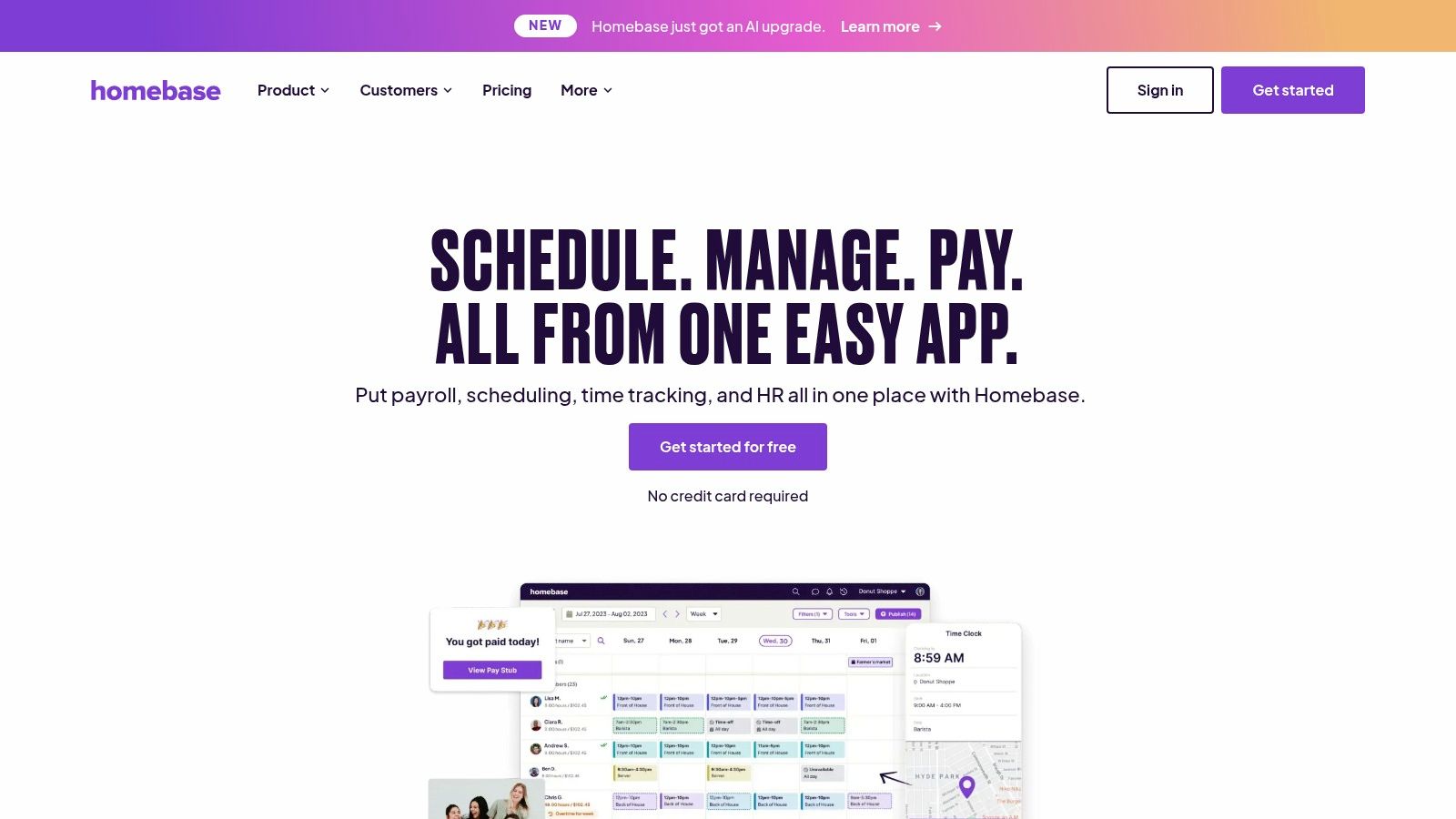
Homebase offers an impressive all-in-one solution that goes beyond simple scheduling, making it a strong contender for cleaning businesses looking to consolidate their operations. It combines scheduling, time tracking, team communication, and HR tools into a single, cohesive platform. Its strength lies in providing a comprehensive suite of features, even on its free tier, which is a major advantage for new or budget-conscious companies.
The platform simplifies managing a mobile workforce with its GPS-enabled time clock, ensuring employees are at the correct client location when they clock in. Managers can quickly build and distribute schedules using templates, while the integrated messaging system keeps the entire team connected for real-time updates and announcements. This makes Homebase an excellent piece of scheduling software for a cleaning business that needs more than just a calendar.
Key Features & Considerations
While Homebase is packed with features, its primary focus is on employee management rather than job-specific details like some field service management software. It excels at managing the team that performs the work.
Pricing: A robust free plan is available for one physical location. Paid plans start with the Essentials plan at $24.95 per location per month, adding features like performance tracking. The Plus plan at $59.95 per location per month includes budgeting and labor cost controls.
Pros: The comprehensive feature set, including HR and hiring tools, provides exceptional value. Its incredibly generous free plan is perfect for startups. The user-friendly interface on both desktop and mobile makes it easy to adopt.
Cons: Some users have reported initial difficulties with the mobile app login process, which could be a temporary hurdle during onboarding. It's less focused on client-side management, lacking features like invoicing or CRM.
Best for: Small to medium-sized cleaning businesses that need a powerful, free, or low-cost all-in-one platform to manage scheduling, time tracking, communication, and basic HR functions.
8. Sling
Sling offers a robust, multi-faceted approach to team management that extends beyond simple scheduling, making it a strong contender for cleaning businesses looking to foster communication and accountability. It positions itself as an all-in-one solution for shift scheduling, task management, and team communication, effectively reducing the need for multiple separate applications. This integrated environment is particularly useful for cleaning companies where staff need clear instructions and a central hub for updates.
The platform excels at simplifying complex scheduling needs. Managers can quickly create templates, copy shifts between days or weeks, and manage time-off requests with ease. A key differentiator is its integrated task management feature, allowing supervisors to assign specific cleaning checklists or duties to individual shifts. This ensures that every team member knows exactly what's expected of them at each client location, improving service quality and consistency.
Key Features & Considerations
Sling's free plan makes it an incredibly attractive entry point, but its real power is unlocked in the paid tiers which add more advanced operational tools. The "Social Space" feature also helps build team morale by providing a non-work channel for interaction.
Pricing: A free plan is available for scheduling, time off, and basic communication. The Premium plan is $2 per user per month and adds task management and labor cost tracking. The Business plan, at $4 per user per month, includes time tracking, timesheets, and reporting.
Pros: The generous free plan is a significant advantage for new or small businesses. Its user-friendly interface simplifies daily operations, and the built-in task management system keeps employees accountable and on track.
Cons: While feature-rich, some users have reported occasional performance issues, such as slow loading times, particularly when managing larger teams or more complex schedules.
Best for: Cleaning businesses of any size that need a free or highly affordable scheduling software for cleaning business with integrated task management and communication features to keep mobile teams aligned.
9. Kickserv
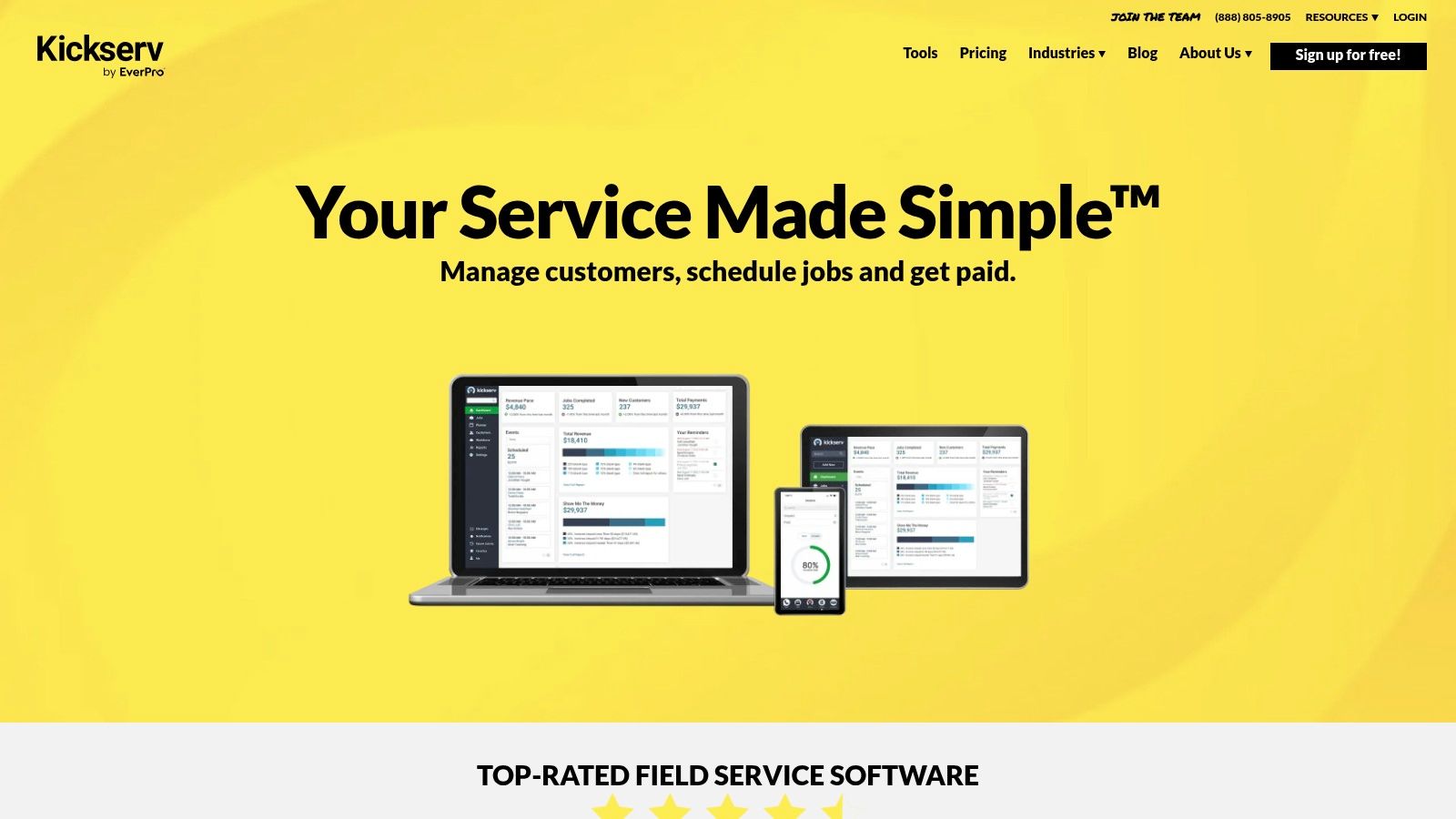
Kickserv positions itself as a comprehensive field service management tool that shines for cleaning businesses needing to manage the entire customer lifecycle, from initial bid to final payment. Its strength lies in combining customer relationship management (CRM) with robust job scheduling and financial tracking. This integration allows owners to handle estimates, schedule jobs on a shared visual calendar, and sync invoices directly with QuickBooks, streamlining cash flow management.
The platform is designed to grow with your business, offering a clear path from basic scheduling to full-scale operational management. For cleaning companies focused on building long-term client relationships, the built-in CRM features are a significant advantage, helping track customer history, preferences, and service agreements all in one place. Its mobile support ensures that teams can access job details and update their status on-the-go.
Key Features & Considerations
Kickserv's all-in-one approach is powerful, but it’s important to note that some users have reported inconsistencies with customer support responsiveness. However, its user-friendly interface for appointment setting makes it a strong contender in the scheduling software for cleaning business space.
Pricing: A free plan is available for up to 2 users. Paid plans start at the Lite tier for $47 per month (for 2 users) and scale up to the Premium plan at $159 per month (for 8 users), with additional features at each level.
Pros: The generous free plan is a major benefit for new or small businesses. Its intuitive interface and straightforward appointment scheduling make it easy to adopt. Deep integration with QuickBooks is a key selling point for financial management.
Cons: The primary concern noted by some users revolves around the reliability and speed of customer support, which can be a drawback when immediate assistance is needed.
Best for: Cleaning businesses looking for an all-in-one solution that integrates scheduling, CRM, and QuickBooks, especially those who can leverage the free plan to start.
10. ServiceM8
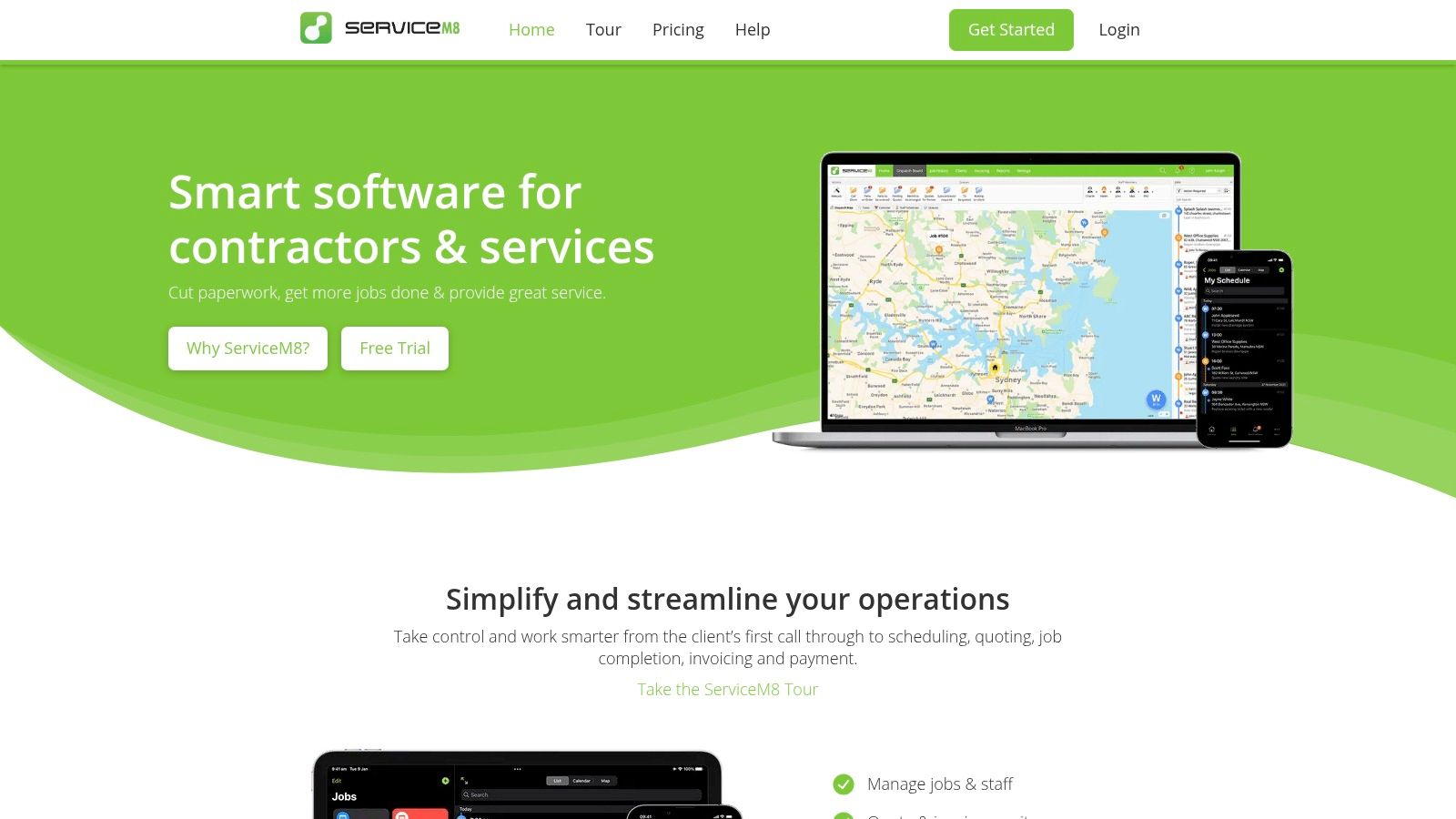
ServiceM8 is a comprehensive job management solution designed for trade and service businesses, making it a strong contender as scheduling software for cleaning business owners. Its main advantage is digitizing nearly every aspect of the job cycle, from the initial client contact to final payment. This platform is heavily optimized for Apple devices, offering a seamless experience for teams using iPhones and iPads in the field.
The software empowers cleaning staff to generate professional quotes and invoices directly on-site, which can significantly speed up the cash flow cycle. One standout feature is the "Tap to Pay on iPhone" functionality, allowing cleaners to accept contactless payments immediately after a job is completed. This level of on-the-spot financial processing is a powerful tool for improving operational efficiency and client satisfaction.
Key Features & Considerations
ServiceM8's focus on an all-in-one field solution is its greatest strength, but its iOS-centric design and limited support options are important factors to weigh. Its features are geared towards enhancing field productivity and professionalizing client interactions from start to finish.
Pricing: Offers a free plan for up to two users, processing up to 20 jobs per month. Paid plans start at the "Lite" tier for $9/month (20 jobs, unlimited users) and scale up to the "Premium" plan at $149/month (500 jobs, unlimited users).
Pros: The clean and simple interface is easy to navigate, especially for those familiar with iOS. Having a permanent free plan is excellent for new or very small cleaning businesses. The comprehensive client history and on-site payment tools professionalize your service delivery.
Cons: The primary limitation is its optimization primarily for Apple's iOS, which could be a dealbreaker for teams using Android devices. Additionally, customer support options can be more limited compared to other platforms in this space. For those looking to streamline their entire operation, it's beneficial to understand how workflow optimization can boost overall productivity.
Best for: Cleaning businesses that operate primarily on Apple devices (iPhones/iPads) and want an affordable, all-in-one tool for managing jobs from quote to payment.
11. mHelpDesk
mHelpDesk positions itself as a robust, all-in-one field service software that extends beyond simple scheduling to automate the entire workflow of a cleaning business. Its strength lies in connecting every step of the service process, from the initial client request to the final payment. This integrated approach helps cleaning companies manage jobs, staff, and finances within a single, unified platform, reducing the need to juggle multiple applications.
The software is designed to streamline operations by automating key processes. For instance, you can create custom online booking forms for your website, allowing new clients to request services directly. These requests then flow into the system, where they can be converted into jobs, scheduled, and assigned to a cleaner. This seamless conversion from lead to paid job is a significant advantage for businesses focused on growth and efficiency.
Key Features & Considerations
While mHelpDesk offers a comprehensive suite of tools, its reporting capabilities can feel less advanced compared to some competitors. However, its end-to-end functionality makes it a powerful choice for managing daily operations.
Pricing: mHelpDesk does not list public pricing. You must contact their sales team for a custom quote based on your business size and needs.
Pros: The platform is known for its user-friendly and easy-to-navigate interface. Its customer service is often praised for being responsive and helpful. The ability to manage customer requests, scheduling, billing, and payments in one place is a major benefit.
Cons: A primary drawback is the limited functionality of its reporting feature, which may not provide the deep business intelligence some owners require. The lack of transparent pricing can also make it difficult to quickly assess if it fits your budget.
Best for: Cleaning businesses looking for a comprehensive field service management tool that automates processes from customer booking to final payment, and who value strong customer support.
12. Square Appointments
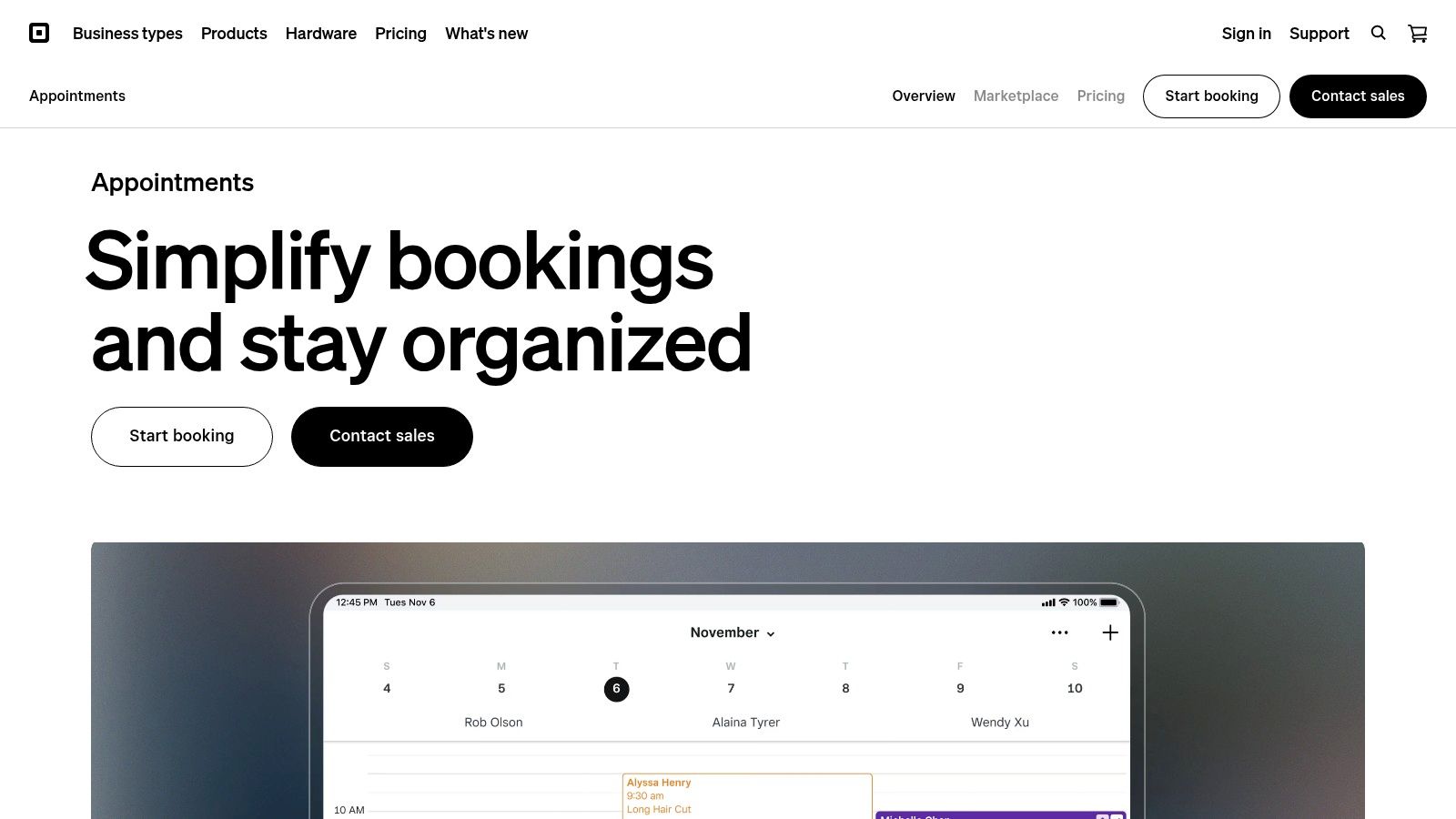
Square Appointments is an excellent choice for cleaning businesses, especially sole proprietors or smaller teams, that want to seamlessly integrate booking and payment processing. Its primary advantage is unifying the client-facing booking experience with the back-end transaction system. This eliminates the need to juggle separate platforms for scheduling appointments and collecting payments, simplifying the entire workflow from initial contact to final invoice.
The platform provides a professional, customizable online booking site where clients can view your availability and book services 24/7. For a cleaning business, this means clients can schedule a deep clean or recurring service at their convenience, reducing administrative back-and-forth. The system automatically sends client reminders, which helps to minimize no-shows and last-minute cancellations.
Key Features & Considerations
While Square Appointments excels at combining scheduling with payments, its team management features are less robust than dedicated field service software. It's built for service-based appointments rather than complex, multi-location job assignments.
Pricing: The "Free" plan is available for single users and includes most core features. The "Plus" plan starts at $29 per month per location and adds more advanced features like multiple staff calendars. Standard payment processing fees apply to all plans.
Pros: The built-in payment processing is a major benefit, creating a smooth client experience. Its free tier for individuals makes it a highly accessible piece of scheduling software for cleaning business startups. The customizable online booking page presents a professional image.
Cons: The primary drawback is that transaction fees apply to every payment, which can add up. It lacks some cleaning-specific features like chemical inventory tracking or detailed job checklists found in more specialized platforms.
Best for: Solo cleaners or small cleaning businesses that need a simple, all-in-one solution for online booking and payment processing without a monthly subscription fee.
Scheduling Software Features Comparison - Top 12
Software | Core Features & Integration ✨ | User Experience & Ratings ★ | Value & Pricing 💰 | Target Audience 👥 | Unique Selling Points 🏆 |
|---|---|---|---|---|---|
When I Work | Scheduling, time tracking, messaging; limited integrations | ★★★★ User-friendly | ★★★★ Starts at $2.50/user/month; 14-day free trial | Cleaning services multi-location | Photo clock-in to prevent time theft ✨ |
Jobber | Drag-drop scheduling, client hub, GPS time tracking | ★★★★ Intuitive | ★★★★ Mid-range | Residential & commercial cleaning | Robust client management tools |
ZenMaid | Scheduling, automated reminders, digital checklists | ★★★★ Tailored for maid services | ★★★★ Moderate | Maid services | Excellent customer support ✨ |
Housecall Pro | Recurring scheduling, pricing forms, online booking | ★★★★ Comprehensive & mobile-friendly | ★★★ Moderate to high | Cleaning service management | Custom pricing & social booking |
Connecteam | Scheduling templates, advanced time tracking, communication | ★★★★★ Outstanding mobile apps | ★★★★ Free plan up to 10 users | Deskless cleaning workforce | Exceptional employee management |
Swept | Scheduling, team communication, supply management | ★★★★ Strong communication focus | ★★★ Moderate | Cleaning teams with remote staff | Quality control focus ✨ |
Homebase | Scheduling templates, GPS time clock, messaging | ★★★★ User-friendly | ★★★★ Free plan available | Cleaning businesses | HR tools integration |
Sling | Shift copying, task management, social space | ★★★★ User-friendly | ★★★ Affordable with free plan | Cleaning teams | Social Space for team interaction ✨ |
Kickserv | CRM, scheduling, mobile access | ★★★★ Easy scheduling | ★★★ Free plan available | Cleaning businesses | QuickBooks integration |
ServiceM8 | Quotes, invoicing, Tap to Pay, client job cards | ★★★★ Simple interface | ★★★ Free plan available | Trade & cleaning services | Optimized for iOS devices |
mHelpDesk | Time tracking, scheduling, billing | ★★★ Easy to navigate | ★★★ Moderate | Field service & cleaning | Comprehensive field service features |
Square Appointments | Scheduling, payment processing, calendar syncing | ★★★★ No monthly fee solo | ★★★ Transaction fees per payment | Solo & small cleaning businesses | Integrated payments & customizable booking |
Final Thoughts
Navigating the landscape of scheduling software for a cleaning business can feel overwhelming. We've explored a dozen powerful platforms, from all-in-one field service giants like Jobber and Housecall Pro to specialized solutions like ZenMaid and Swept, and even robust employee management tools like When I Work and Connecteam. The sheer variety underscores a critical truth: there is no single "best" software, only the one that is best for your specific operational needs, team size, and growth trajectory.
The core takeaway from our deep dive is that modern scheduling software is much more than a digital calendar. It's the central nervous system of your cleaning operation. It automates tedious administrative tasks, streamlines communication between the office and field staff, enhances the customer experience with professional booking and reminders, and provides the data you need to make smarter business decisions. Moving from spreadsheets and whiteboards to a dedicated system is no longer a luxury; it's a foundational step toward scaling efficiently and profitably.
Making Your Final Decision: A Strategic Framework
Choosing the right platform is a significant decision that will impact your daily workflows for years to come. To avoid buyer's remorse, approach the selection process with a clear, strategic framework. Don't get distracted by a long list of features you may never use. Instead, focus on what will solve your most pressing problems right now and support your goals for the next 18-24 months.
Here are the critical factors to weigh as you narrow down your options:
Business Stage and Size: A solo cleaner or a two-person team has vastly different needs than a company with 50+ cleaners across multiple cities. Newer businesses might prioritize affordability and ease of use (like Square Appointments or ZenMaid), while larger operations will need the robust CRM, reporting, and team management features found in platforms like Jobber or Kickserv.
Core Pain Points: What is the biggest bottleneck in your business today? Is it disorganized scheduling? Inefficient dispatching? Missed opportunities from quoting delays? Identify your top 1-3 problems and prioritize the software that offers the strongest solution for those specific issues. For instance, if communication is your weak link, Connecteam or Swept should be high on your list.
Integration is Non-Negotiable: Your scheduling software doesn't exist in a vacuum. It must communicate with your other essential tools. Critically evaluate its ability to integrate with your accounting software (QuickBooks is the industry standard), payment processors, and marketing platforms. Poor integration creates data silos and manual work, defeating the purpose of automation.
Total Cost of Ownership: Look beyond the advertised monthly price. Consider per-user fees, transaction fees for payment processing, and costs for essential add-ons. A seemingly cheaper plan can quickly become more expensive as your team grows or your needs evolve. Always calculate the total potential cost based on your projected team size and transaction volume.
The Path to Successful Implementation
Once you've made your choice, the work has just begun. Successful implementation is the key to unlocking the full value of your investment in scheduling software for your cleaning business. Don't rush the process.
Utilize the Free Trial: Every major platform offers a free trial or demo. Use this period aggressively. Input real customer data, schedule actual jobs, and have your team members test the mobile app in the field. This hands-on experience is invaluable.
Plan for Team Onboarding: Your team's adoption of the new tool is paramount. Schedule dedicated training sessions. Create simple cheat sheets for common tasks. Emphasize the benefits for them, such as clearer schedules, easier clock-ins, and direct access to job details, which means fewer phone calls and less confusion.
Start Small, then Expand: Don't try to roll out every single feature on day one. Begin with the core functionalities: scheduling, dispatching, and invoicing. Once your team is comfortable with the basics, gradually introduce more advanced features like automated quoting, email marketing, or inventory management.
Choosing and implementing the right scheduling software is a transformative step. It empowers you to step away from the chaos of day-to-day administration and focus on what truly matters: delivering exceptional service, supporting your team, and strategically growing your cleaning empire.
Ready to supercharge your new scheduling software? Many of the tools we discussed offer powerful features, but true automation comes from making them talk to each other and your other business apps. Flow Genius specializes in creating custom integrations and automated workflows that connect your scheduling platform, CRM, and marketing tools, eliminating manual data entry and unlocking next-level efficiency. Visit Flow Genius to learn how we can build the seamless, automated backbone your cleaning business deserves.

Comments